Prerequisites
- An HTML page served over HTTPS.
- The tag is present in the server-rendered markup. Discord does not execute code so a tag injected by a client-side script is never seen.
- Discord’s crawler can reach the page. Pages are fetched with the user agent
Mozilla/5.0 (compatible; Discordbot/2.0; +https://discordapp.com), and linked JSON withDiscordbot/2.0. - The whole fetch, including every image in the payload, must finish within 10 seconds.
- Open Graph tags are present, so a standard preview is available when a component embed can’t be shown. See Link Previews for the tags Discord reads.
How It Works
- A user posts a link to your page in a Discord message.
- Discord fetches that URL with its crawler and reads the HTML.
- Discord looks for a component-embed tag, parses the JSON, and fetches metadata for each image.
- If the payload is valid, Discord renders it in place of the standard preview.
Adding the Payload
There are two ways to expose the JSON. You can include the JSON directly in the page with a<script> element, or as an external file with a <link> element.
Option 1: Inline Script
Put a<script id="discord:component-embed" type="application/json"> in the page Discord fetches, inside the <head> element.
type attribute must be exactly application/json. The script body must be the JSON object itself, not assigned to a variable or wrapped in a function call.
Option 2: Linked JSON
Serve the JSON from a URL on the same site and point at it with a<link rel="discord:component-embed" type="application/json"> element.
href:
Payload Structure
The document, inline or linked, must be a JSON object with a single, parent Container component which can then hold other components.Compatible Components
A component embed is a read-only subset of the components used in messages. Any component type not in this table invalidates the payload. You can use up to 40 components in a component embed.
* A button must use the link style (
style of 5) and may contain only type, url, style, label, emoji, and disabled, with a label, an emoji, or both. Any other key, including id, custom_id, and sku_id, invalidates the entire payload.
** Text Display content is Discord markdown including headings, bold, italics, strikethrough, spoilers, lists, links, inline code and code blocks, and emoji. See Message Formatting.
*** Thumbnails and gallery items take an unfurled media item with only url set. Discord fills in the rest after it fetches the file. Thumbnails accept images only. Media Gallery items accept images and video. See Media.
Media
Thumbnails and gallery items take an unfurled media item. Discord fills in the width, height, content type, placeholder, and proxy URL after it fetches the asset. A video in a Media Gallery shows a poster frame with play controls and does not autoplay.Full Example
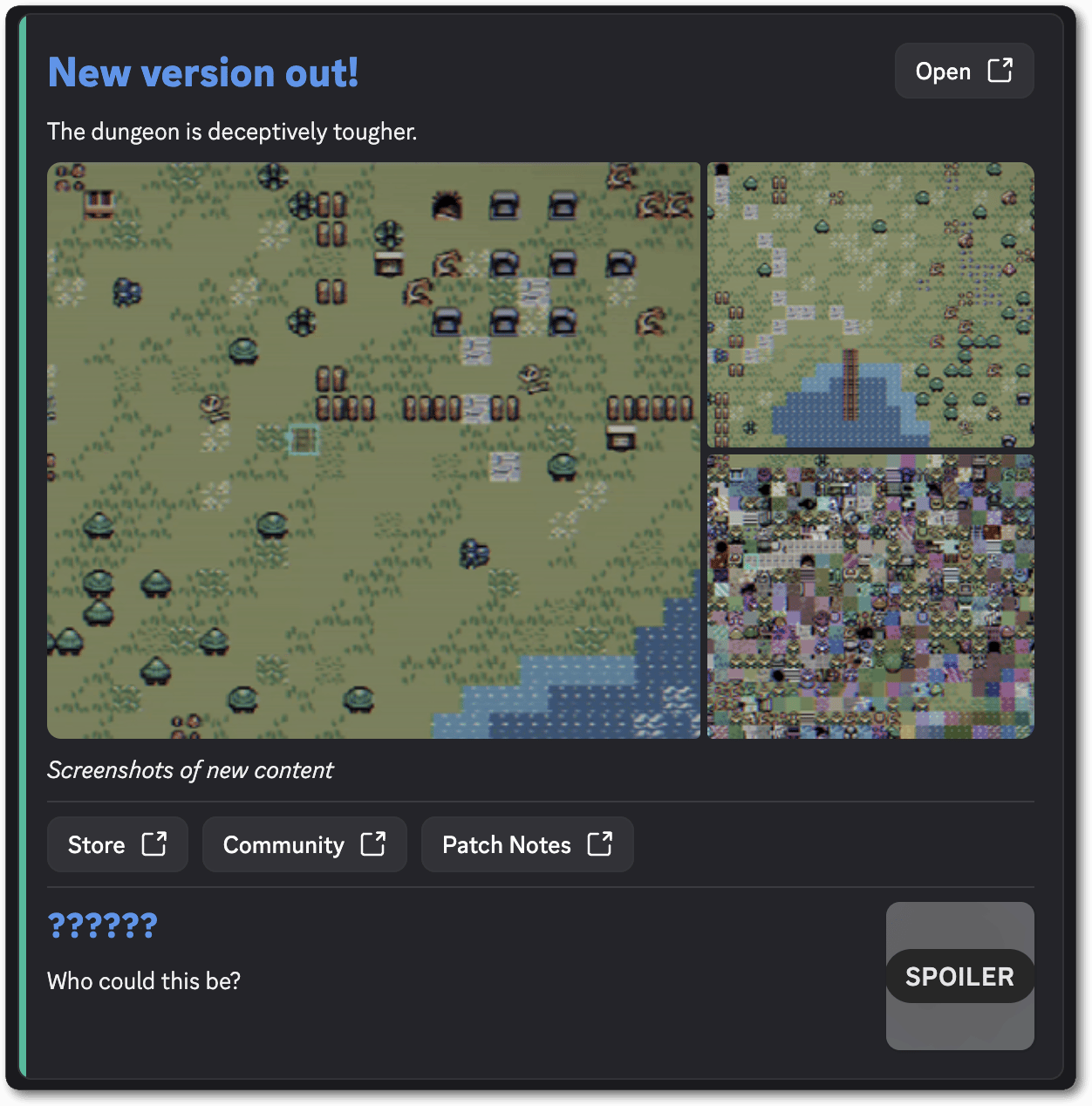
A game release preview. A headline with a button beside it, a gallery, a caption, a row of links, and a minor character spoiler with hidden avatar.